This article may contain affiliate links. If you click on these links and make a purchase, we may receive a small commission at no extra cost to you. This helps support our website and allows us to continue to produce content like this. Thank you for your support!
Are you ready to explore the amazing world of virtual reality (VR)? This guide will show you the key gear and the best VR games. You’ll see how VR changes how we play games and interact with digital worlds.
There are many VR options, from top-notch PC headsets to easy-to-use devices. You can even play VR with your smartphone. There’s something for everyone, no matter your budget.
The VR adventure started in 2010 with Palmer Luckey’s Oculus Rift. Facebook bought it for $2 billion in 2014. Now, VR is loved by millions in the U.S. and around the world.
If you love games or want to see new places, this guide is for you. It will help you find your way in the exciting world of VR.
Understanding Virtual Reality: Past to Present
Virtual reality (VR) started in the early 1900s. Stanley G. Weinbaum wrote “Pygmalion’s Spectacles” in 1935. It was about goggles that showed a real, multi-sensory world. But, VR really grew in the late 1960s and early 1970s.
In 1968, Ivan Sutherland and Bob Sproull made the Sword of Damocles. It was the first VR/AR head-mounted display. It was big and needed to be hung from the ceiling. But, it was the start of VR.
Since then, VR has improved a lot. We now have better displays, motion tracking, and haptic feedback. These advancements have made VR very immersive. Now, we can go into digital worlds like never before.
The 1992 movie “The Lawnmower Man” made VR popular. Today, VR is used in many fields. It’s in gaming, education, training, and healthcare. VR is getting better, with new tech like augmented reality (AR) and mixed reality (MR).
| Year | Milestone |
|---|---|
| 1838 | Charles Wheatstone’s stereoscope showed how to see depth in images. |
| 1929 | Edward Link made the “Link Trainer” for pilots. It was used a lot during World War II. |
| 1950s | Morton Heilig made the Sensorama. It was like a theater that used all senses. |
| 1960 | Morton Heilig created the Telesphere Mask. It was the first HMD for movies. |
| 1965 | Ivan Sutherland talked about the “Ultimate Display.” He wanted a world that felt real. |
| 1968 | Ivan Sutherland and Bob Sproull made the Sword of Damocles. It was the first VR/AR HMD. |
| 1969 | Myron Kruegere started “artificial reality.” It was about computer worlds that reacted to users. |
| 1972 | General Electric made a digital flight simulator. It had three screens for training. |
| 1975 | Krueger’s VIDEOPLACE was the first interactive VR system. It used cameras and screens without a headset. |
| 1977 | MIT made the Aspec Movie Map. It was like Google Street View for Aspen, Colorado. |
VR is divided into two types: non-immersive and immersive. Immersive VR uses headsets for a 360-degree view. In 2012, Palmer Luckey showed the first Oculus. This made VR popular for home use.
But, VR has its limits. Some people feel sick or uncomfortable while using it. It’s also expensive. And, there’s no standard for VR yet.
Essential VR Hardware Components
Virtual reality (VR) has grown a lot. It needs special hardware to work well. This includes headsets and controllers that take you into new worlds. Let’s look at what makes VR so cool.
Headsets and Displays
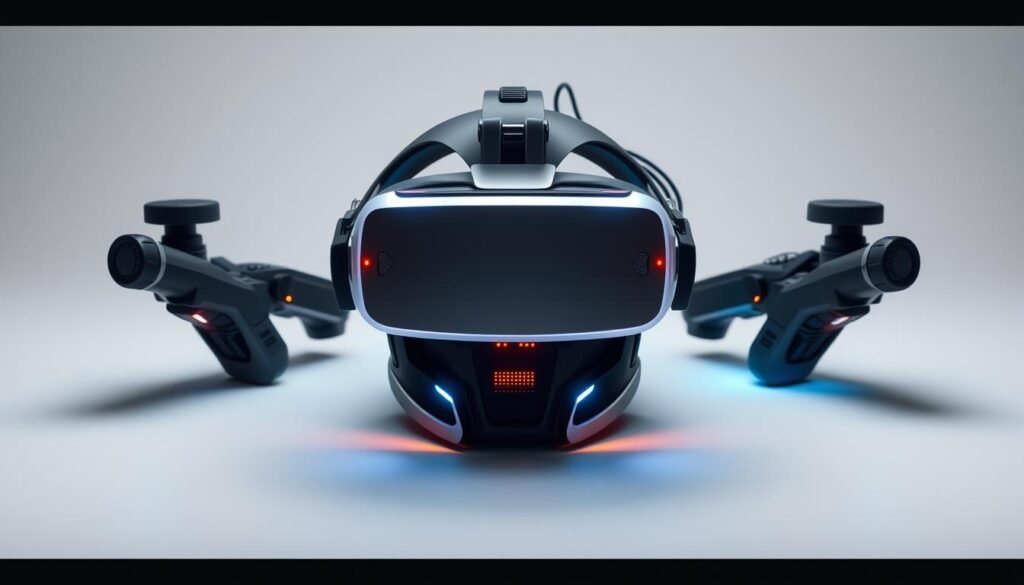
Headsets and displays are at the center of VR. They show 3D pictures that feel real. The Oculus Rift was $599 at first. It came with everything you need to start.
HTC Vive was $799. It had the headset, controllers, and base stations for a top-notch experience.
Controllers and Input Devices
Controllers are key for moving around in VR. They turn your actions into virtual ones. From simple joypads to advanced controllers like Oculus Touch, they let you control the virtual world.
Things like treadmills make VR feel even more real. They let you move around in a new way.
Tracking Systems
Tracking systems keep VR feeling real. They watch the headset and controllers to update the virtual world. Outside-In tracking uses infrared for tracking. Inside-Out tracking uses cameras inside for a simpler setup.
VR is always getting better. Knowing about VR equipment, VR accessories, and VR setup helps you choose the best. This way, you can make your VR experience just right for you.
Popular VR Platforms and Their Features
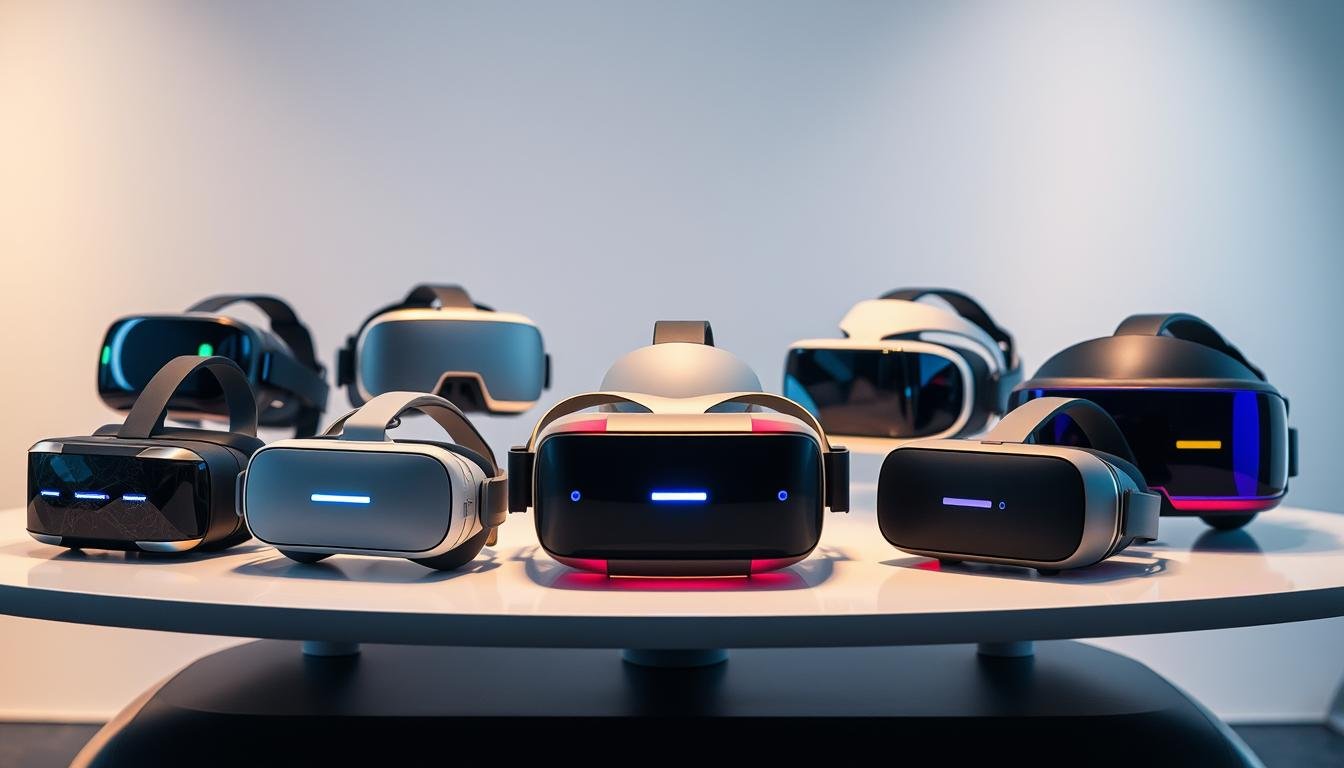
The virtual reality (VR) world has grown a lot. Now, there are many VR gaming platforms for everyone. From Oculus Rift to PlayStation VR, each has special features for different gaming needs.
The Oculus Rift, now part of Meta, has lots of games and social stuff. The HTC Vive, made with Valve, lets you move around in games and connects well with Steam VR. This makes games feel more real.
Console gamers like the PlayStation VR for the PS4 and PS5. It’s all about gaming. The Meta Quest series is great for easy, portable VR. You don’t need a big gaming PC to use it.
| VR Platform | Key Features | Pricing |
|---|---|---|
| Meta Quest 3 | 2064×2208 pixels per eye, 110-degree field of view, 120Hz refresh rate, 513 grams | $499.99 |
| Meta Quest 3S | 1832×1920 pixels per eye, 96-degree field of view, 120Hz refresh rate, 513 grams | $299.00 |
| Meta Quest Pro | High-end VR for professionals and enthusiasts | $999.99 |
| Sony PlayStation VR2 | Designed for PlayStation 5 gamers, bundled with Horizon Call of The Mountain | $349.00 (with a $250.99 saving) |
| Valve Index VR Kit | High-end VR controllers and system for enthusiasts | $1,679.00 |
| HTC Vive Pro 2 | High-resolution VR headset for immersive experiences | $799.99 (with a possible saving of $399.01) |
Each vr gaming platform has its own special features. They meet the needs of all VR fans. Whether you play games for fun or want a deep vr content experience, there’s a platform for you.
Computer System Requirements for VR Gaming
To enjoy VR gaming, you need a powerful computer. There are special requirements for a great VR experience. Let’s look at what you need for a VR-ready computer.
Processor and Graphics Card Requirements
VR games need a strong CPU and GPU. You should have a CPU like an Intel Core i5 or AMD Ryzen 5. For the GPU, a top model like the NVIDIA GeForce RTX 2070 or AMD Radeon RX 5700 XT is best for vr performance.
Memory and Storage Specifications
Your computer should have at least 16GB of RAM for VR games. Also, a fast SSD is key for quick game starts and smooth play.
Connectivity Options
VR headsets use HDMI or DisplayPort for video and USB for data. Make sure your computer has the right ports and cables for your vr hardware requirements.
Some VR platforms, like Oculus Rift, have easier vr-ready computers starting at $500. This is thanks to tech like “asynchronous spacewarp”.
If you’re new to VR, pre-built vr-ready computers from Alienware, ASUS, and MSI are a good choice. They make sure your system has what it needs.
Introduce readers to the world of VR including what equipment they need, games
Are you ready to explore virtual reality (VR)? VR is amazing for both new and experienced gamers. It takes you to amazing digital places. With the right gear and a curious mind, you can start a fun journey into vr for beginners and discover vr starter guide.
A headset like the Meta Quest 2 is great for new VR users. It’s a vr equipment essentials system that doesn’t need a fancy gaming PC. You just need the headset, controllers, and comfy headphones to dive into the virtual world.
- Games like “All-In-One Sports” are perfect for beginners. They have easy controls and fun gameplay.
- “Rec Room” is a social platform for new users. It’s a friendly place to meet others, try VR, and learn from pros.
Knowing basic VR terms like degrees of freedom (DoF) and field of view (FOV) helps you pick the right gear and games. VR is all about being fully immersed. It opens up a world of fun and endless possibilities for you.
| VR Headset | Price Range | Features |
|---|---|---|
| Meta Quest 2 | $299 – $399 | Standalone, wireless, high-resolution display, intuitive controllers |
| PlayStation VR | $349 – $499 | Requires a PlayStation console, offers a library of exclusive games |
| Valve Index | $499 – $999 | High-end, PC-powered system, advanced tracking and controllers |
Top VR Gaming Experiences
Virtual reality gaming is full of exciting experiences. You can find fast-paced action, amazing simulations, and fun multiplayer games. VR is at the forefront of gaming technology.
Action and Adventure Games
Half-Life: Alyx is a top choice for VR games. It offers great storytelling and fun interactions. Players get to explore detailed worlds and solve puzzles.
I Expect You To Die and Lone Echo are also great. They make you feel like you’re really there, with fast action and puzzles.
Simulation Games
Elite Dangerous and Asgard’s Wrath 2 are perfect for those who love realism. They let you explore huge virtual worlds. You can fly in space or go on epic quests.
Social VR Platforms
VRChat and AltspaceVR are great for meeting friends online. You can make your own avatar and join in on fun activities. They make gaming feel like a real community.
Looking for action, adventure, or just fun with friends? The best vr games have something for everyone. You can find vr multiplayer games that are sure to thrill.
| Game Title | Genre | Price | Platforms |
|---|---|---|---|
| Beat Saber | Rhythm | $29.99 | Meta VR, Steam VR, PlayStation VR, VR2 |
| Walkabout Mini Golf | Simulation | $14.99 | Meta VR, Steam VR, PlayStation VR2 |
| I Expect You To Die | Action/Adventure | $17.49 | Meta VR, Steam VR, PlayStation VR |
| Tetris Effect: Connected | Puzzle | $39.99 | Meta VR, Steam VR, PlayStation VR, VR2 |
VR Comfort and Safety Guidelines
It’s important to make sure VR is comfy and safe for everyone. To feel good and avoid sickness, follow some easy steps.
Take Regular Breaks – Take breaks every 20-30 minutes. This lets your body rest and stops you from getting tired. It also helps avoid eye pain and headaches.
Adjust Interpupillary Distance – Make sure the VR headset fits right. This makes your eyes happy and your view clear. It makes VR more comfy.
Start with Shorter Sessions – If you’re new, start with short VR times. Then, you can play longer as you get used to it. This helps your body get used to VR.
- Ensure Proper Lighting – Good lighting helps your eyes and makes VR better.
- Use Motion Sickness Remedies – If you get vr motion sickness, try ginger, wristbands, or meds.
- Maintain Awareness of Physical Space – Know where you are and use safety features to avoid accidents.
By following these vr comfort tips, you can have fun and safe VR times. It makes your virtual adventures better.
| Recommendation | Benefit |
|---|---|
| Take Regular Breaks | Reduces eye strain, headaches, and fatigue |
| Adjust Interpupillary Distance (IPD) | Improves image clarity and reduces eye strain |
| Start with Shorter VR Sessions | Allows the body to adapt to the immersive environment |
| Ensure Proper Lighting | Reduces eye strain and creates a comfortable VR environment |
| Use Motion Sickness Remedies | Mitigates the effects of vr motion sickness |
| Maintain Awareness of Physical Space | Helps prevent accidents during immersive vr safety tips |
Maintenance and Care of VR Equipment
Keeping your virtual reality (VR) gear in good shape is key. It makes sure it works well and lasts longer. Here are some tips to keep your VR setup in top condition.
Cleaning and Storage
Cleaning your VR headset and accessories often is important. Use a soft, microfiber cloth to clean the lenses and outside parts. Don’t use harsh chemicals or rough cleaners that could harm the parts.
For the headset’s face gasket, mix a little mild soap with water. This helps get rid of sweat and dirt.
When you’re not using it, keep your VR gear in a cool, dry spot. This keeps the electronics safe and stops them from getting worn out too soon. Think about getting a special case or stand to keep everything tidy and safe.
Troubleshooting Common Issues
- Tracking problems: Make sure the headset’s sensors and cameras are clear and set up right.
- Display glitches: Make sure your VR software and drivers are up to date. This usually fixes visual problems.
- Controller connectivity: Check the batteries and make sure the controllers are paired with your VR system.
Prolonging Equipment Life
Handling your VR gear right and keeping cables tidy can make it last longer. Don’t pull or yank on the cables. This can damage them over time. Get a cable management system, like a pulley or hooks, to keep cables neat and out of the way.
Also, be careful when putting on and taking off the headset. Store the controllers safely when you’re not using them. These easy steps can help keep your VR setup working great for a long time.
Future of VR Technology
The future of vr innovation is very exciting. Virtual reality is getting better with higher display resolution and better haptic feedback. It will soon be wireless, making our experiences more real.
Brain-computer interfaces are being studied. They might let us control VR with our minds. This could make VR feel even more real.
VR will soon be a big part of our lives. It will change healthcare, education, and work. AI and machine learning will make VR even better, making it more personal.
The vr industry trends show VR will soon be easy for everyone to use. Cheaper and smaller headsets will let more people enjoy VR. It will change how we learn, work, and play.
| Key VR Industry Trends | Emerging VR Applications |
|---|---|
|
|
As vr innovation keeps growing, VR will change our world. It will make our digital experiences better. And it will change how we live, work, and play.
Conclusion
Virtual reality has grown a lot. It’s now used in many ways. It’s not just for fun anymore.
VR is getting cheaper and there’s more content. This means more people in the US will use it. It’s changing how we learn and play together.
VR is getting better and better. Soon, we’ll see even more amazing things. It will change how we see and interact with digital stuff.
VR is starting to be used in schools. It’s still expensive, but it’s getting cheaper. It helps students learn in new and exciting ways.
Teachers and school leaders are thinking about using VR. It could help students explore careers and learn new skills. It makes learning fun and different.