This article may contain affiliate links. If you click on these links and make a purchase, we may receive a small commission at no extra cost to you. This helps support our website and allows us to continue to produce content like this. Thank you for your support!
Are you ready to make your space the best gaming spot? Creating a great gaming room is more than just a cool console or PC. It’s about making a space that’s fun, comfy, and just for you.
We’ll look at key things like big screens, comfy chairs, and top-notch sound systems. These things can really change your gaming world.
What do you need to make your gaming room amazing? Check out our full guide. We’ll show you how to create the perfect gaming space that fits your style and needs.
Creating the Perfect Gaming Environment: The Basics
To make a great gaming room, think about your space and layout. You can turn a small corner or a big area into a gaming paradise. Knowing the basics of room design is key for a top-notch gaming setup.
Understanding Room Layout and Space Requirements
The size of your gaming room matters a lot. Small rooms (under 15m² / 160 ft²) are perfect for one player. But bigger rooms (at least 15m² / 160 ft²) have room for more stuff, like tables for games.
Plan where your desk, chair, and extra seats will go. A desk that changes height might not fit in small spaces. But, electric desks can help with comfort.
Importance of Room Acoustics and Soundproofing
Good room acoustics and soundproofing are key for gaming. Noise can mess up your game and bother others. Use wall padding or acoustic panels to block out sounds and keep your gaming area quiet.
Temperature Control and Ventilation
Keep your room comfy and well-ventilated for long gaming. A mini-fridge for snacks and drinks is handy. Make sure your gaming area doesn’t get too hot to keep your gear cool.
By improving your room’s layout, sound, and climate, you’ll have the best gaming spot. It’s all about creating a space that lets you dive into your games fully.
Choosing the Right Gaming Display Solutions
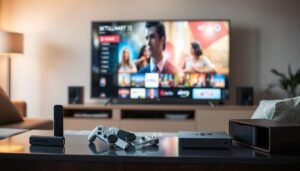
Choosing the right display is key for a great gaming setup. Get a top-notch monitor or TV for sharp images and bright colors. For console gamers, a big wall-mounted TV saves space and makes the room more useful.
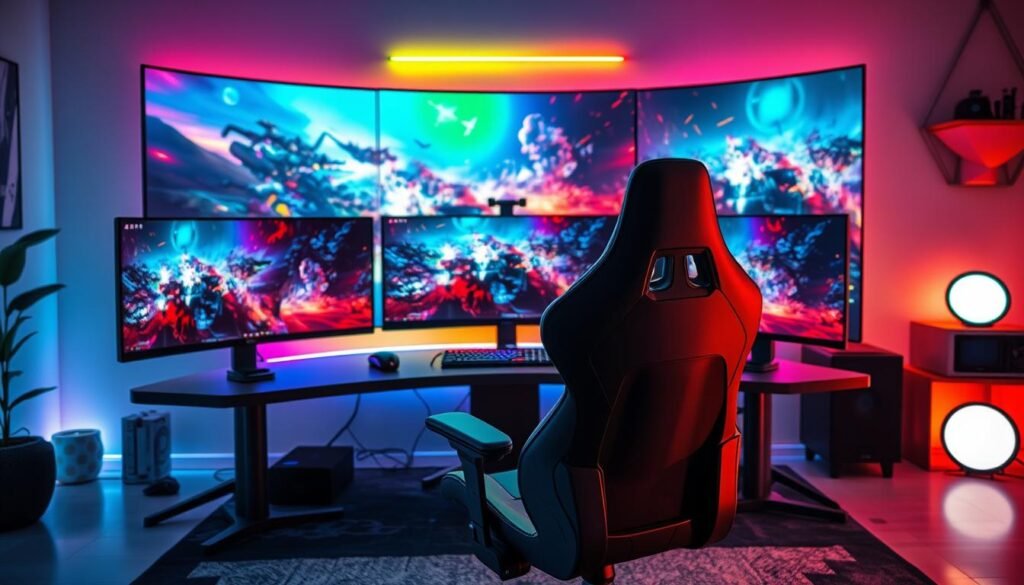
PC gamers often use two or three monitors. This setup is great for seeing more and doing more at once. Look for monitors with high refresh rates and low lag for the best gaming feel.
| Display Type | Recommended Features | Best Use Case |
|---|---|---|
| Gaming Monitors |
|
PC gaming, providing a competitive edge with smooth, responsive visuals |
| Gaming TVs |
|
Console gaming, creating an immersive living room experience |
Whether you’re into PC or console gaming, pick a display that meets your needs. It should offer the best visuals and performance for an amazing gaming time.
Gaming Chairs and Ergonomic Furniture
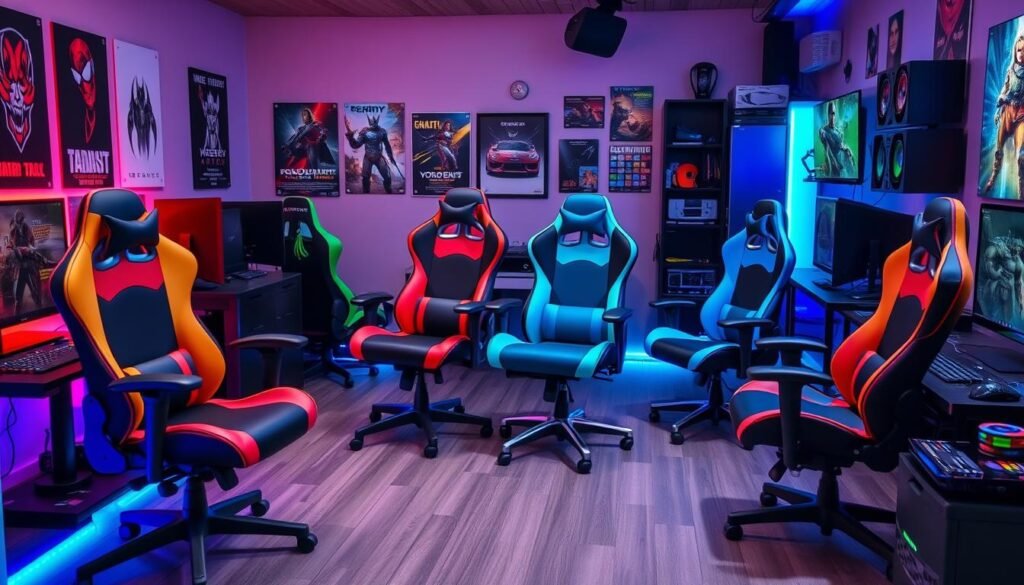
Getting the right gaming chairs and furniture can really improve your gaming. Gaming chairs are made for comfort and support during long play times. They help you stay focused on the game without feeling uncomfortable.
Ergonomic Features to Look For
When picking a gaming chair, look for adjustable lumbar support and breathable materials. Customizable armrests are also important. These features help keep your back straight and reduce pain.
Different Types of Gaming Chairs
The market has many gaming chairs to choose from. You can find chairs for PC, console, or racing games. Check out the Razer Iskur V2, Enki, and Fujin chairs for top comfort and support.
Proper Posture and Comfort Solutions
Keeping the right posture is key for long gaming. Ergonomic chairs have features like lumbar support and neck rolls. They help you stay comfortable and focused on your game.
| Feature | Benefit |
|---|---|
| Adjustable Lumbar Support | Promotes healthy seated posture and reduces back pain |
| Breathable Mesh/Fabric Upholstery | Enhances airflow and keeps you cool during extended gaming sessions |
| Customizable Armrests | Supports healthy wrist and arm positioning for improved comfort |
| Dynamic Tensioning Frame | Distributes body pressure evenly, minimizing discomfort and interruptions |
Essential Gaming Hardware: Consoles and PCs
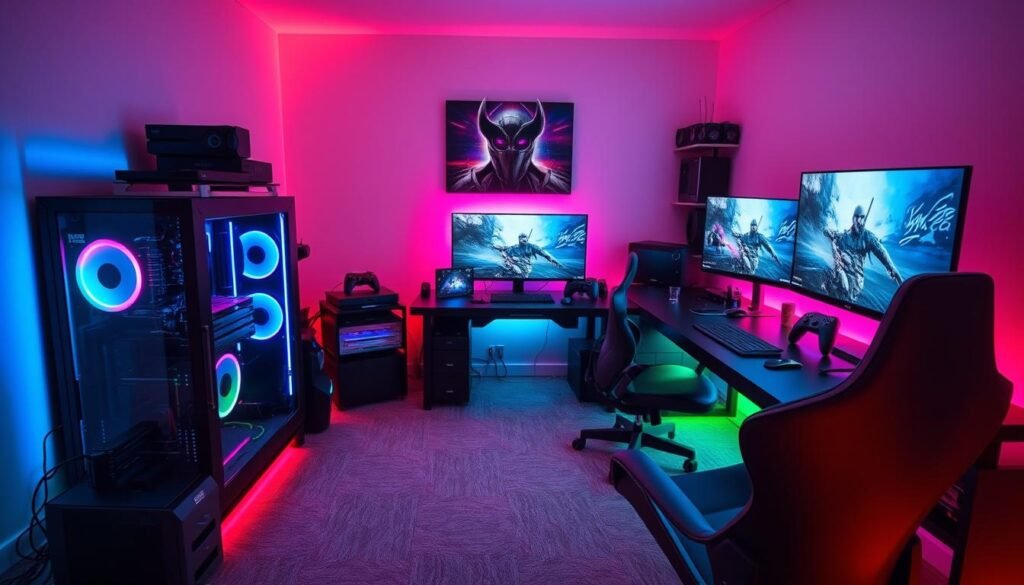
Choosing between gaming consoles and PCs is key for the best gaming setup. Each has its own benefits, fitting different tastes and gaming needs.
Gaming consoles are easy to use and loved by many. Sony, Microsoft, and Nintendo’s latest models offer great graphics and lots of games. Fans of old games can find classic consoles too.
Gaming PCs, however, let you customize and upgrade. You can pick a strong graphics card and a cool case with lights. This makes your gaming setup look amazing and can last longer.
| Gaming Consoles | Gaming PCs |
|---|---|
| Plug-and-play convenience | Customizable and upgradable |
| Exclusive game titles | Powerful graphics and performance |
| Seamless multiplayer experience | Diverse game library and emulation |
| Affordable entry point | Potential for higher initial investment |
Think about what you like to play, your budget, and what you want from gaming. Whether it’s a new console or a top-notch PC, the right hardware makes gaming fun and engaging.
Professional Gaming Audio Equipment
To make your gaming better, you need good audio equipment. You can choose from speakers or gaming headsets. The right one can change your game.
Gaming Headsets vs. Speaker Systems
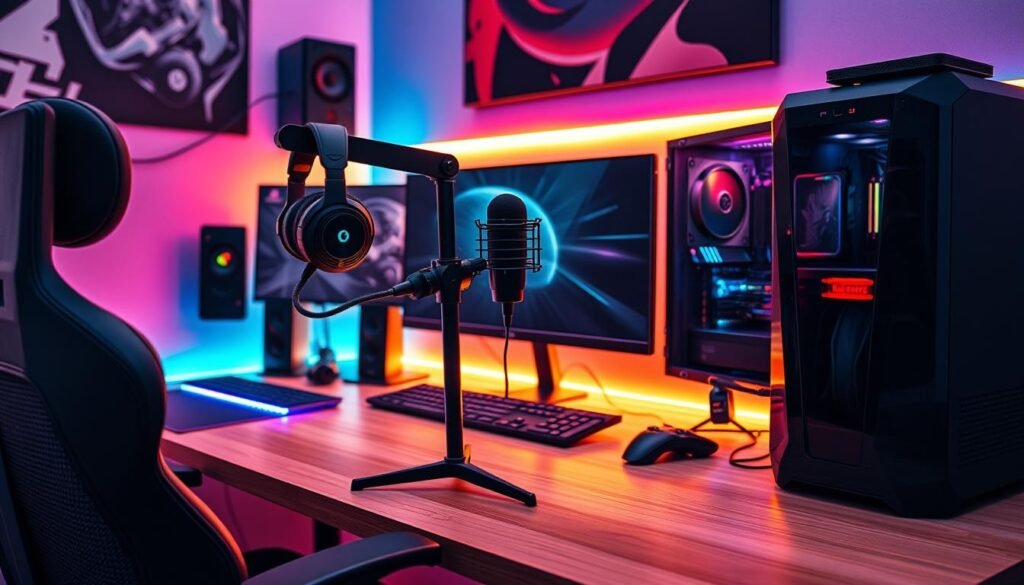
Choosing between speakers and headsets depends on what you like. Headsets like the Razer Nari Ultimate are great for blocking out noise. They let you focus on the game. Speakers, however, fill the room with sound. They’re perfect for playing with friends.
Microphone Requirements for Streaming
Streamers need a good microphone. Look for headsets with noise-cancelling mics, like the HyperX Cloud Revolver S. They make your voice sound clear. You can also get a separate mic for even better sound.
Audio Optimization Tips
- Adjust your audio settings for the best sound in games.
- Try different audio presets to find what you like.
- Update your audio drivers for the latest tech.
Good audio equipment makes gaming better. It makes your games more fun, whether you’re playing alone or with friends.
Smart Lighting Solutions for Gaming Rooms
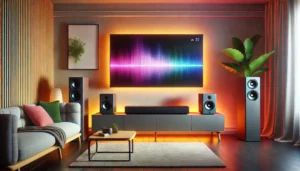
Creating the perfect gaming atmosphere is key for fun. Smart lighting can make any room exciting. You can have LED backlights that match your screen or RGB lights that change with your games.
The Nanoleaf Lines Smarter Kit is a cool choice. It has 9 LED light bars for different designs. You can get over 16 million color effects and control it with Google Home or Amazon Alexa.
The Govee Glide Hexagon Light Panels Ultra is also great. It has 129 LEDs and works with DreamView and Razer Chroma. You can get cool lighting effects.
| Product | Features | Compatibility |
|---|---|---|
| Nanoleaf Lines Smarter Kit | 9 LED light bars, 16+ million color effects | Google Home, Amazon Alexa, Apple HomeKit, Razer Chroma |
| Govee Glide Hexagon Light Panels Ultra | 129 LEDs, 10 microcontroller units, 3D effects | DreamView, Razer Chroma Connect |
| Diyilight 50ft Led Light Strip | Over a dozen color options, music sync, app control | Smartphone app |
The Diyilight 50ft Led Light Strip is affordable. It has many colors and works with music. It’s perfect for a colorful glow around your room.
Smart lighting makes your gaming room special. It can change colors with your games. You can make your room perfect for gaming.
essentials of a gaming room, gaming chairs to gaming consoles, PCs and more
Creating the perfect gaming room is more than just buying big items. It’s about the little things too, like gaming accessories and how you organize your space. By focusing on these details, you can make a gaming room that looks great and works well.
Essential Gaming Peripherals
Upgrade your gaming with the best accessories. Get a top-notch keyboard and mouse for better control. Add a comfy gaming controller for console games or a pro-grade gamepad for PC.
Also, get a sturdy, customizable gaming mouse pad for smooth tracking and precise moves.
Cable Management Solutions
Keep your cables tidy with smart solutions. Use cable sleeves, organizers, and raceways to hide cords. This makes your gaming setup look neat and organized.
Try wall-mounted cable trays or under-desk channels for more space. They help keep your area clean and clutter-free.
Storage and Organization Tips
Choose smart storage to keep your gaming room organization in check. Use shelving units, media cabinets, and modular furniture for your games and stuff. Pick items that can store and display things, saving space.
Look for features like adjustable shelves and hidden spots. They help keep your gaming space tidy and nice to look at.
Gaming Room Storage and Organization
Keeping your gaming room tidy is key for a great gaming time. Good storage helps keep things neat and shows off your favorite gaming stuff.
Use adjustable shelves and cabinets to organize your gear and games. Open shelves make it easy to grab your console or game. Wall shelves are perfect for showing off special figurines.
Drawer organizers are great for small items like cables and controllers. They help keep your room tidy and untangled.
- Use wall shelves for games and decorations
- Get adjustable cabinets for your consoles and accessories
- Drawer organizers are good for small items
- Think about renting storage for big items
Make your room your own with custom furniture and decor. A good mix of looks and function makes a great gaming space.
| Storage Solution | Benefits |
|---|---|
| Adjustable Shelving Systems | Organize your games and gear easily |
| Storage Cabinets | Keep your consoles and accessories neat |
| Wall-mounted Shelves | Use space for special items and memorabilia |
| Drawer Organizers | Keep small items tidy and organized |
| Self-storage Units | Store big items you don’t use often |
These gaming room organization tips can make your space better. Use gaming room furniture and storage to make your room amazing.
Creating the Perfect Gaming Atmosphere
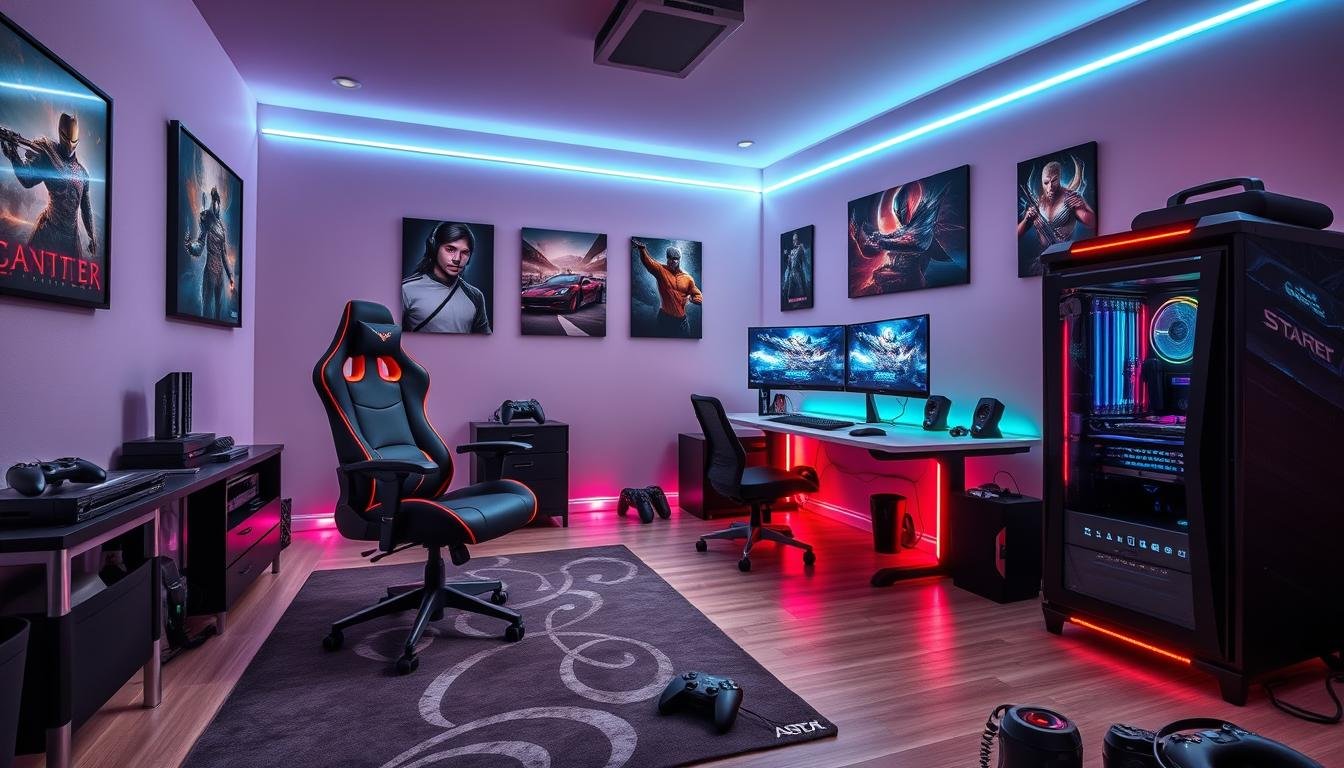
Designing your dream gaming room is exciting. The atmosphere you create is key to a great experience. Think about your theme, decorations, and gaming memorabilia. Each part adds to a fun and engaging space.
Theme Selection and Decoration
Pick a theme that fits your gaming style and taste. You might want a modern or retro arcade look. Use wallpapers, murals, or art to make your room lively and big.
Wall Art and Decorative Elements
Wall art, like game posters, adds interest and personality. Mix it with figurines, collectibles, and lights that match your theme. Place them well to make your room look good.
Gaming Memorabilia Display
Show off your gaming treasures like special controllers or signed items. Use shelves or display cases to make it look cool and organized.
With the right theme, decorations, and memorabilia, your gaming room will be unique. It will show off your gaming love and make playing games even better.
Comfort and Convenience Accessories
Make your gaming better with comfort and convenience accessories. Get a mini-fridge for your room. It keeps drinks and snacks close.
A headphone stand with USB charging is great. It keeps your headset ready. Ergonomic wrist rests for your keyboard and mouse reduce fatigue.
Think about a gaming desk with adjustable height and cable management. The Motia Sit-to-Stand Gaming Desk is wide and deep. It fits many setups.
The Ollin Monitor Arm holds up to 20 pounds. It lets you adjust your displays for less eye and neck strain.
Add Neon Tube LED lights to your room. They come in five colors. You can make your room’s mood just right for gaming.
| Accessory | Key Features | Benefits |
|---|---|---|
| Mini-Fridge | Compact size, holds beverages and snacks | Convenient access to refreshments during gaming sessions |
| Headphone Stand with USB Charging | Keeps headset organized and charged | Ensures your gaming headset is always ready for use |
| Ergonomic Wrist Rests | Provides support for keyboard and mouse | Reduces hand and wrist fatigue during prolonged gaming |
| Sit-to-Stand Gaming Desk | Adjustable height, ample surface area | Allows for customized, comfortable gaming setup |
| Monitor Arm | Holds up to 20 pounds, adjustable positioning | Improves ergonomics and reduces neck/eye strain |
| Neon Tube LED Lights | Five vibrant color options, customizable lighting | Enhances the ambiance and aesthetics of the gaming room |
Good gaming accessories make gaming better. Ergonomic furniture and smart lights are key. They help make your gaming setup perfect for you.
Conclusion
Creating the perfect gaming room is exciting. It needs a mix of essentials like chairs, desks, consoles, PCs, and smart lights. Whether you’re a casual or pro gamer, a setup that fits you can make gaming better.
When you start making your gaming room, think about comfort, function, and style. Choose furniture that’s good for your back, like adjustable chairs and desks. Look at new designs, like furniture that does more than one thing, smart tech, and decor you can change, to make your space cool and fun.
The best gaming room is more than just stuff. It’s a place that makes you love gaming more, helps you meet friends, and lets you dive into games fully. By keeping up with new trends and focusing on what you need, you can make a gaming space that’s amazing and makes gaming even better.
Some of the links in this post are affiliate links, which means I may earn a commission at no extra cost to you if you click through and make a purchase. I only recommend products I believe will add value to my readers. This helps support the blog and allows me to continue to make free content. Thank you for your support!