
This article may contain affiliate links. If you click on these links and make a purchase, we may receive a small commission at no extra cost to you. This helps support our website and allows us to continue to produce content like this. Thank you for your support!
Are you ready to see the future of smart living? The smart home market is growing fast. It’s expected to hit $174 billion by 2025. Many homeowners are using smart home automation to make life easier.
But how do you start with smart home automation? How can you use Alexa or Google Home to control your home? It’s all about understanding how to automate your home with these devices.
Let’s explore smart home automation. You’ll learn how to use voice commands to control your devices. You’ll also set up routines and connect your devices with Amazon Alexa and Google Home.
Over 50% of users use voice commands every day. It shows that smart home automation is here to stay. So, what are the benefits of smart home automation? And how can you start using Alexa or Google Home to automate your home?
Key Takeaways
- Smart home automation can make your life easier and save energy.
- Alexa and Google Home lead in smart home automation, with about 70% market share.
- More than 50% of users use voice commands daily with smart home devices.
- Smart home automation can save up to 30% on energy when set up right.
- 73% of people say automation makes their daily lives more convenient.
- Learning how to automate your home with Alexa or Google Home is key to starting with smart home automation.
Understanding Smart Home Automation Basics
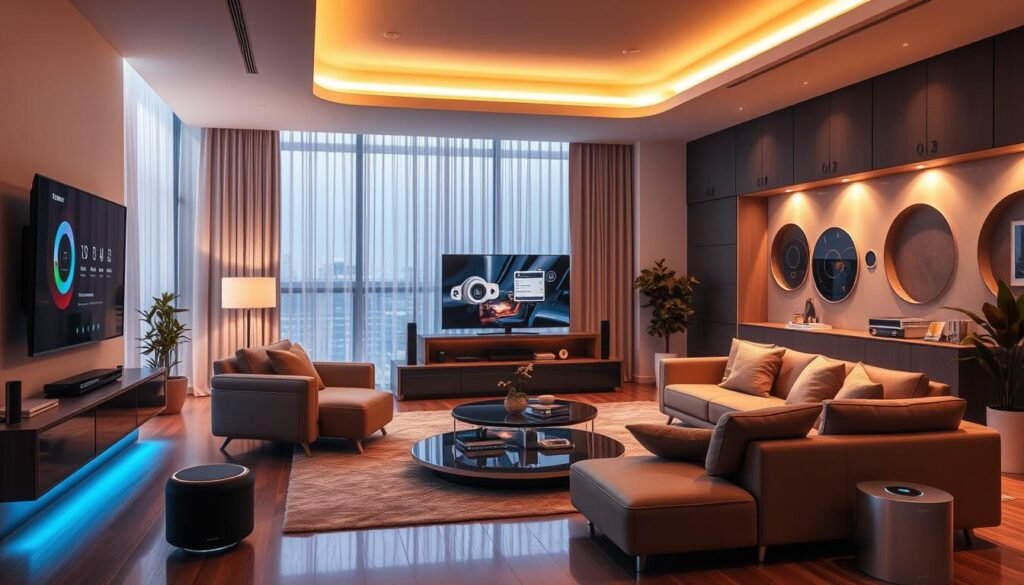
Smart home automation makes homes smarter and easier to control. It uses technology to connect devices and systems. This makes life easier and safer for homeowners.
Many people use voice-controlled devices like Amazon Alexa and Google Home. These devices let you control your home with just your voice. You can change lights, adjust the temperature, and more with ease.
- Increased convenience and control
- Improved energy efficiency and cost savings
- Enhanced safety and security features
- Seamless integration with various smart devices
As smart homes become more popular, learning about them is key. Voice-controlled devices make smart homes better. They help create a home that’s comfortable, easy to use, and connected.
Getting Started with Your Smart Home Assistant
To start with your smart home assistant, you need to set it up. This means using Alexa or Google Home. Home assistant technology lets you control your home from afar. Amazon and Google offer many smart speaker devices.
When setting up, think about smart speaker integration with other devices. This includes lights, thermostats, cameras, and doorbells. Use the Google Home app or Alexa’s skills to connect these devices. This makes controlling your home easy with just your voice.
Here are some steps to get started with your smart home assistant:
- Choose your smart speaker device, such as Amazon Echo or Google Home
- Download the corresponding app, such as the Google Home app or Alexa app
- Set up your device and connect it to your Wi-Fi network
- Explore the various features and skills available for your smart home assistant
- Start integrating other smart devices with your smart home assistant

With the right home assistant technology and smart speaker integration, you can make your home smart. It will be easy, efficient, and fun. So, why not start today and see how a smart home can change your life?
| Smart Home Device | Compatibility | Features |
|---|---|---|
| Smart Lights | Alexa, Google Home | Voice control, scheduling, energy monitoring |
| Thermostats | Alexa, Google Home | Voice control, temperature scheduling, energy monitoring |
| Security Cameras | Alexa, Google Home | Video streaming, motion detection, alerts |
Essential Smart Home Devices and Compatibility
There are many devices for connected homes. Over 100,000 products work with Alexa. Google Home also controls many devices, like thermostats and fans.
Key devices include smart lights, thermostats, cameras, and locks. You can control them with your voice. For example, smart bulbs last long and use less energy than old bulbs.
Smart Lights and Plugs
Start with smart lights and plugs. They can be controlled from anywhere. You can also set them to turn on and off at certain times.
Popular choices are Philips Hue bulbs and TP-Link Smart Plug.
Thermostats and Climate Control
Smart thermostats, like Ecobee, save energy. They can cut bills by 15% and can be controlled remotely. They work well with smart home systems.
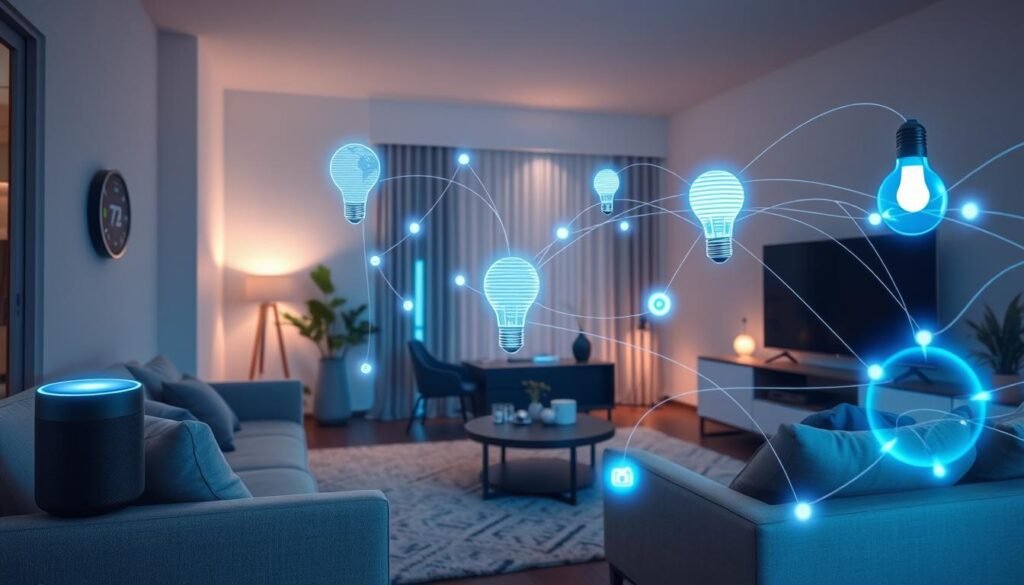
Adding these devices makes your home smarter. You can control many things with your voice. It makes your home more comfortable and easy to manage.
| Device | Compatibility | Price |
|---|---|---|
| Philips Hue Smart Light Bulbs | Alexa, Google Home | $15.99 |
| TP-Link Smart Plug | Alexa, Google Home | $24.99 |
| Ecobee Smart Thermostat Premium | Alexa, Google Home | $249.99 |
Setting Up Your Voice Commands and Routines
To get the most out of your voice-controlled devices, setting up custom voice commands and routines is key. With smart speaker integration, you can make tasks easy and automated. For example, you can turn on lights, adjust the thermostat, and play music with just one voice command.
Using devices like Alexa or Google Home, you can make voice commands for many devices at once. 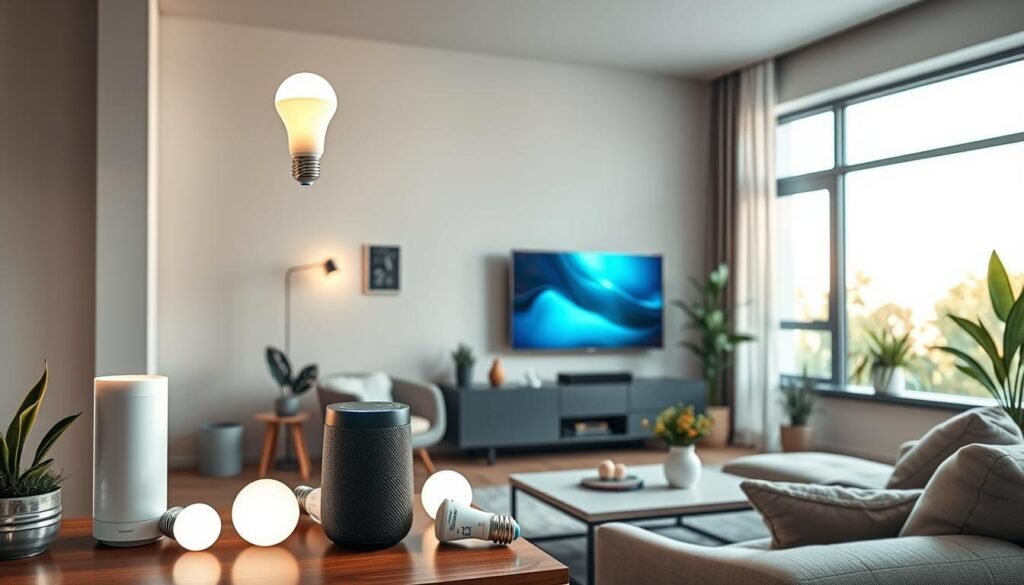
Creating Custom Voice Commands
Creating custom voice commands is easy. You can use the device’s app to make commands that fit your life. For instance, you can make a command to turn off all lights with one phrase.
Scheduling Automated Routines
Scheduling routines can make your day easier. You can set routines to start at sunrise or sunset, or at certain times. This is great for changing lights, temperature, and more to make your home comfy.
Some big benefits of using routines with voice-controlled devices include:
- Increased convenience and efficiency
- Improved home operability and efficiency
- Enhanced customization options
By using voice-controlled devices and smart speaker integration, you can make a smart home that fits your needs and likes.
How to Automate Your Home with Alexa or Google Home
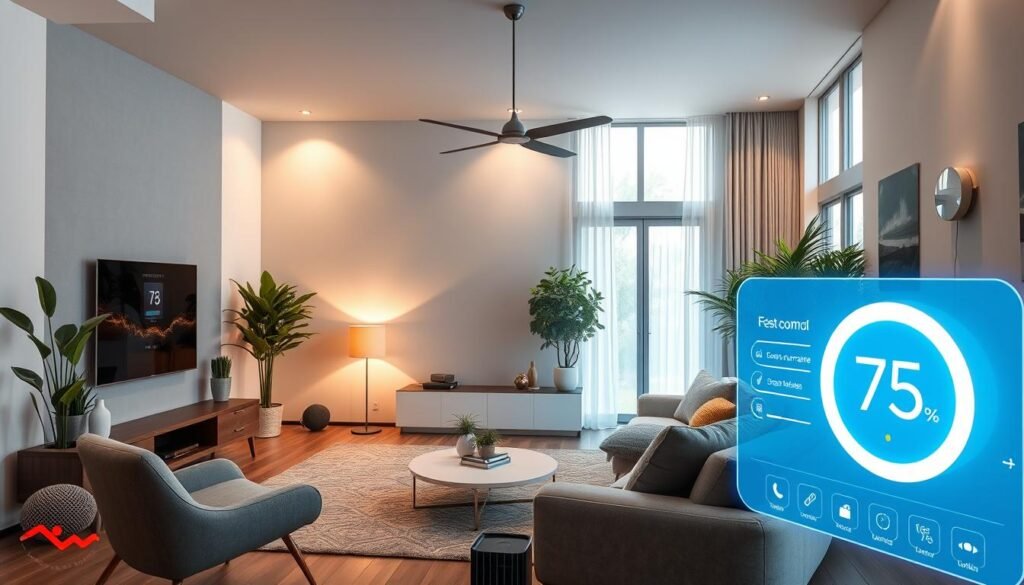
To start automating your home, connect your devices with Alexa or Google Home. Use Amazon Alexa to control lights and thermostats. You can also make custom voice commands for your smart home.
Google Home can turn on lights or change the temperature. It’s easy to use and control your home with just your voice.
Popular devices like the Nest Learning Thermostat work with Alexa or Google Home. They can turn down the heat when you’re not home. The Google TV Streamer also connects to smart devices for easy control.
Using Alexa or Google Home has many benefits for smart home automation:
- Convenience: Control your devices with just your voice
- Energy efficiency: Automate tasks to save energy and reduce waste
- Customization: Create custom voice commands and routines to fit your needs
| Device | Features | Compatibility |
|---|---|---|
| Nest Learning Thermostat | Energy-saving temperature settings, adaptive eco feature | Alexa, Google Home |
| Nest Protect | Smoke and carbon monoxide monitoring, automatic testing | Alexa, Google Home |
| Google TV Streamer | Integration with smart devices, seamless control over lights and thermostats | Google Home |
Advanced Automation Features and Skills
Smart home automation has grown a lot. Devices like Amazon Alexa and Google Home offer many skills and features. This makes our homes smarter and easier to control.
With smart home automation, you can control many devices at once. This makes your home work smoothly together. You can also use voice commands to control your devices, making your life easier.
Some cool features include controlling music in different rooms and making your own voice commands. You can also connect your smart home with other apps. This lets you do more with your devices.
- Multi-room audio control: control music playback in multiple rooms with ease
- Custom automation scripts: create custom voice commands to control smart devices
- Integration with third-party apps: expand smart home capabilities with third-party integrations
There are over 100,000 skills available for Alexa devices. This lets you do lots of things and get information easily. The “Works with Alexa” program makes sure devices work well together. This makes your home more convenient and efficient.
| Feature | Description |
|---|---|
| Multi-room audio control | Control music playback in multiple rooms with ease |
| Custom automation scripts | Create custom voice commands to control smart devices |
| Integration with third-party apps | Expand smart home capabilities with third-party integrations |
Security and Privacy Considerations
More than 320 million smart speakers are in use today. Experts think this number will double by 2024. This growth raises big questions about keeping our data safe. Smart home automation and voice-controlled devices are convenient but also bring up big privacy concerns.
To keep our smart homes safe, we need to know how to protect our devices and data. We should delete command history and recordings often. We should also use strong passwords and two-factor authentication. Knowing about the LED indicator on devices like Google Home can also help us keep an eye on our devices.
Some important things to think about for smart home security include:
* Regular firmware updates
* Strong passwords and two-factor authentication
* Monitoring device activity and command history
* Being cautious when sharing sensitive information
By following these steps and being careful, we can keep our data safe. This way, we can enjoy a secure and private smart home experience.
| Security Measure | Description |
|---|---|
| Regular Firmware Updates | Helps protect against known vulnerabilities and ensures devices have the latest security patches |
| Strong Passwords and Two-Factor Authentication | Provides an additional layer of protection against unauthorized access to devices and data |
| Monitoring Device Activity and Command History | Helps users stay aware of their device’s activity and identify potential security issues |
Troubleshooting Common Smart Home Issues
Smart home systems should work smoothly. But, problems can happen. It’s important to find and fix these issues.
Some common problems include connection issues and voice recognition problems. Many users face WiFi problems. This can be due to other devices or physical barriers.
Connection Problems
To fix connection issues, check your WiFi. Make sure all devices are connected. Update your router and use a WiFi analyzer to find problems.
A stable internet is key for smart devices to work right. So, fix these issues quickly.
Device Compatibility Issues
Devices might not work together if they use different protocols. Choose devices that use the same protocol or a hub that can connect them all. This ensures your smart home works well.
Voice Recognition Challenges
Voice assistants can have trouble understanding commands, especially in loud places or with accents. Use clear commands and reduce noise. Adjust the voice assistant’s settings to better hear your voice.
By solving these problems, you can make your smart home more efficient. Enjoy the benefits of smart home automation and connected home solutions.
Expanding Your Smart Home System
As you get used to your smart home, you might want to add more devices. There are many voice-controlled gadgets out there. For instance, you could get a smart thermostat like the Nest Learning Thermostat. It changes the temperature to save energy, based on the weather outside.
When you add new gadgets, make sure they work with what you already have. Many devices, like those from Nest and August, work well with Google Home. This lets you control everything with your voice or the app.
Here are some tips to make your smart home better:
- Use a central hub, like Amazon Echo or Google Home, to control your devices with voice commands.
- Pick devices that work well with your hub and each other for easy integration.
- Look into advanced features, like custom routines and scenes, to make your home smarter.
Adding more gadgets and voice-controlled devices makes your home better. With the right setup, you can enjoy all the benefits of smart home tech. Your home will become more convenient, efficient, and fun.
| Device | Compatibility | Features |
|---|---|---|
| Nest Learning Thermostat | Google Home, Amazon Echo | Energy-saving temperature adjustment, geofencing |
| August Smart Lock | Google Home, Amazon Echo | Keyless entry, biometric verification |
| Philips Hue Smart Lights | Google Home, Amazon Echo | Color changing, scheduling, energy monitoring |
Conclusion
Smart home automation with Alexa or Google Home brings many benefits. It makes life easier, saves energy, and keeps your home safe. The smart home market is growing fast, with a 25% yearly increase expected.
Adding smart devices to your home opens up new possibilities. You can control lights, temperature, and security with just your voice. This saves time and cuts down on energy use. Voice-activated devices can even save up to 25% of time spent on home tasks.
Starting your smart home journey is exciting. You can begin with a few devices or go all in. The most important thing is to choose what’s best for you and your family. Soon, you’ll enjoy the benefits of a smart, efficient, and safe home.